Add chapters to your podcast with ease.
ChapterPod makes it simple to create professional podcast chapters.
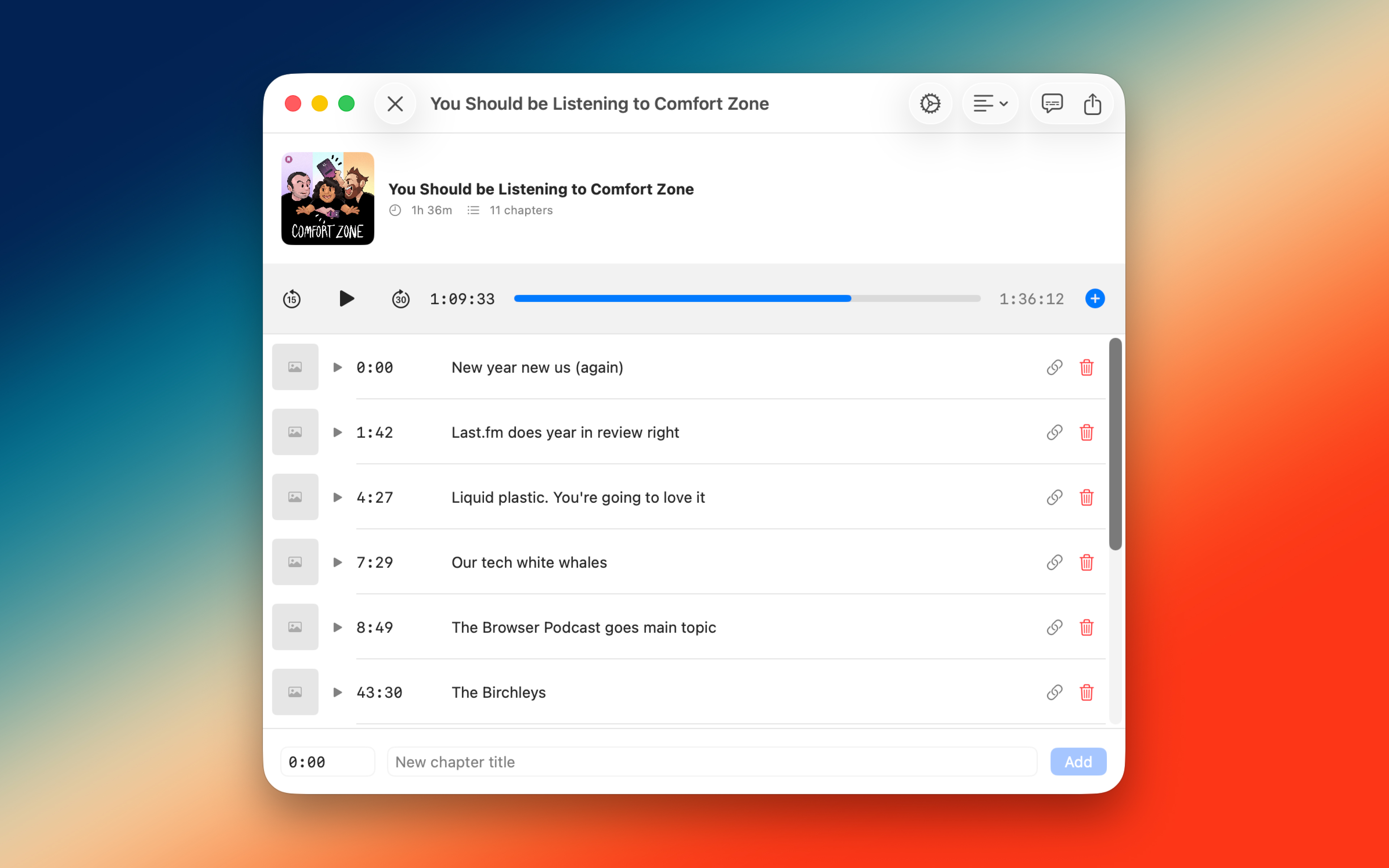
Unified Workflow
Listen and edit.
All in one place.
No more switching between your podcast player (or QuickTime) and a separate chapter editor. ChapterPod puts playback and chapter creation in the same interface, so you can mark chapters as you listen.
My podcast, Comfort Zone, uses ChapterPod to add chapters to each episode. It's battle tested!
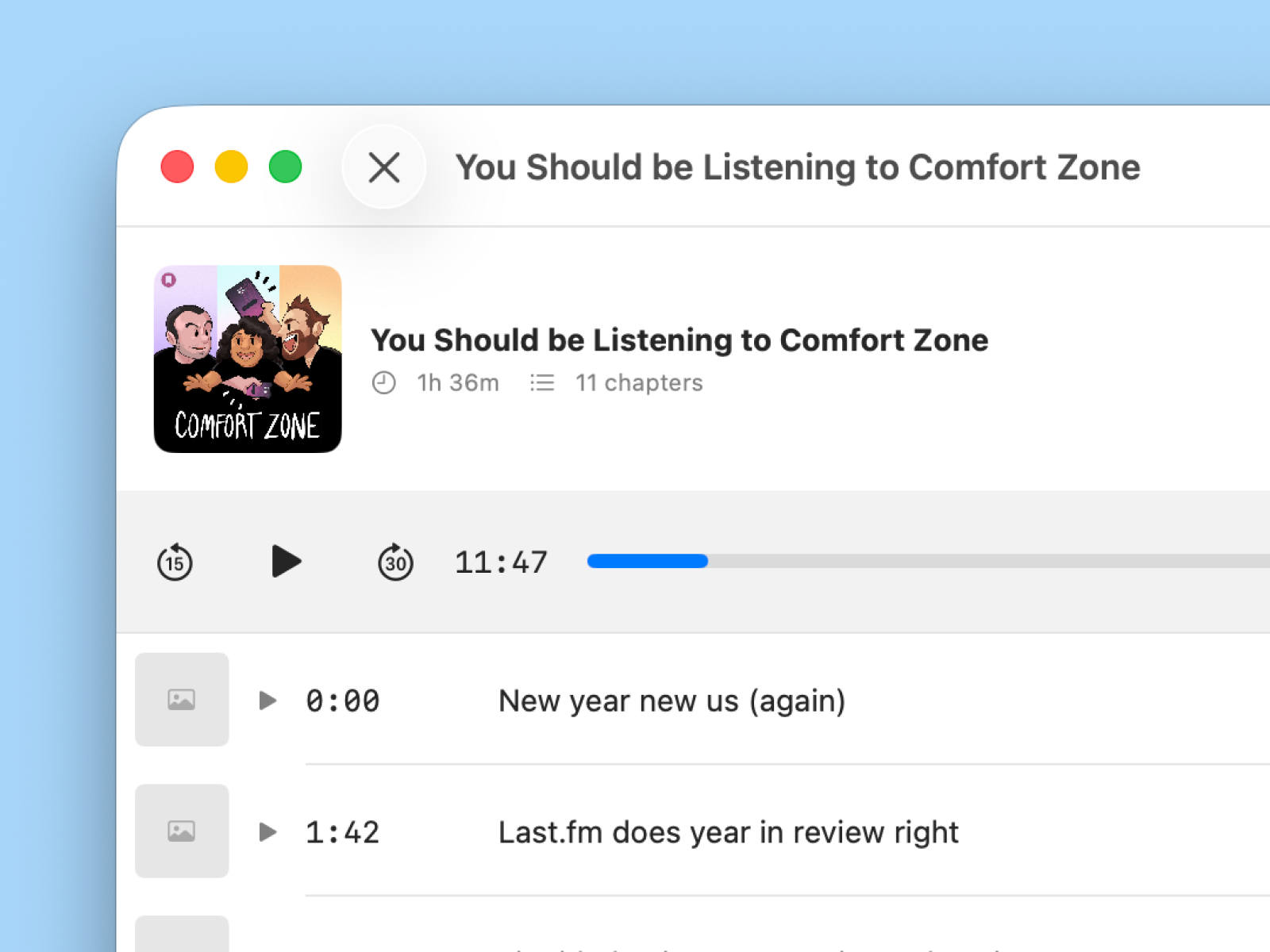
Complete Chapter Support
Everything a chapter needs.
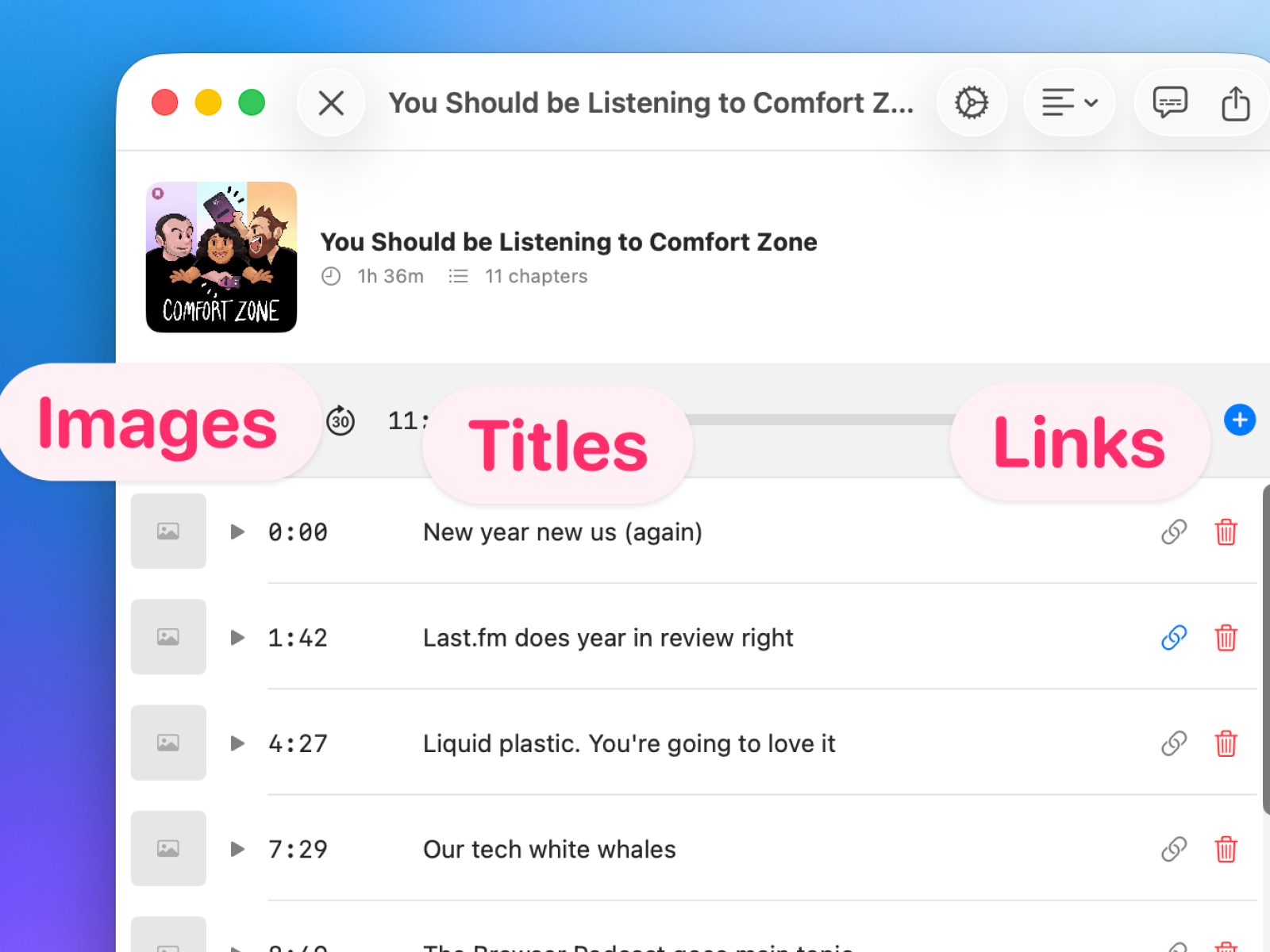
Create rich chapters with all the metadata your listeners expect.
Titles
Images
Links
Cross-Platform
Works on all your Apple devices.
Whether you're at your desk or on the go, ChapterPod is there for you.
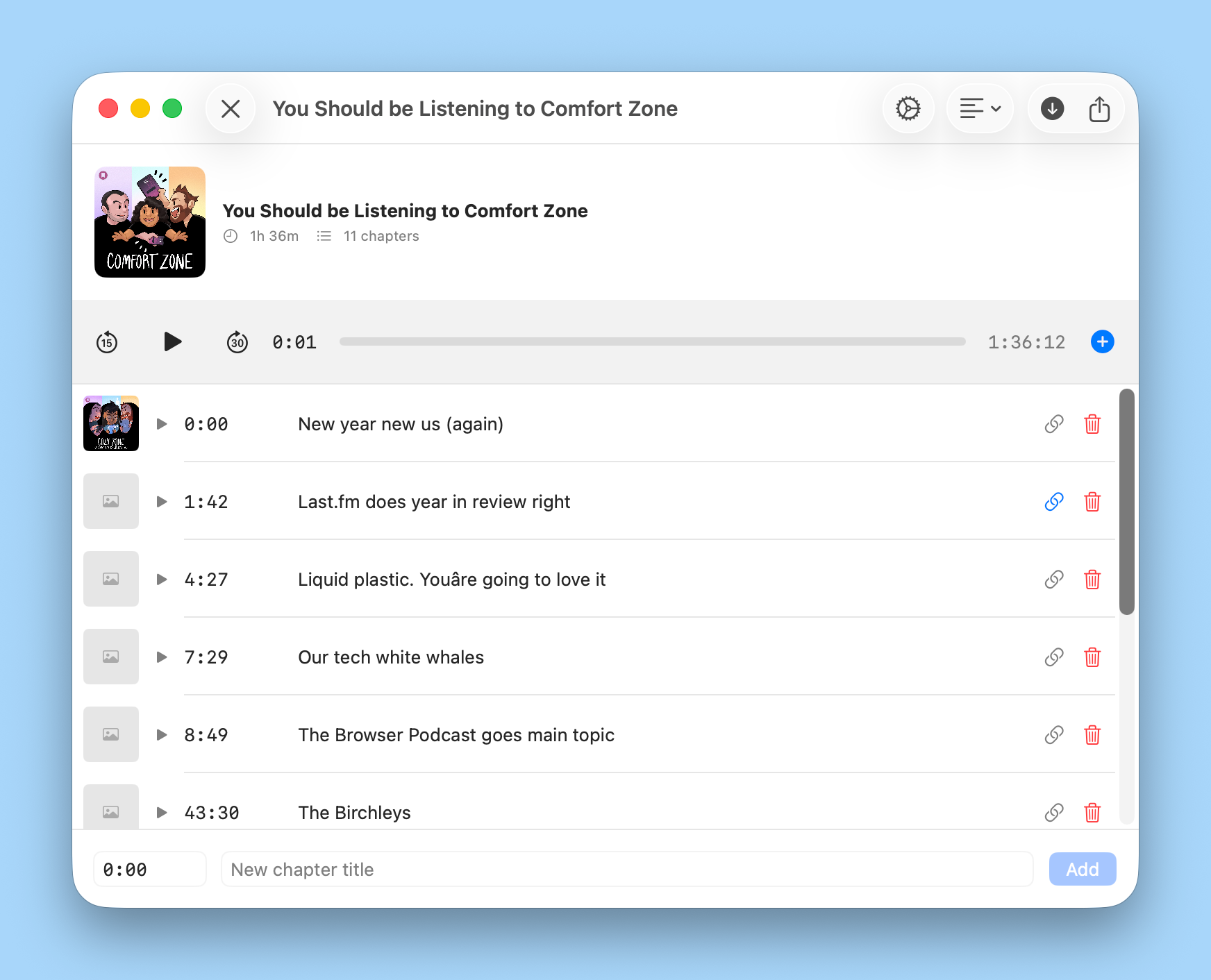
Mac & iPad
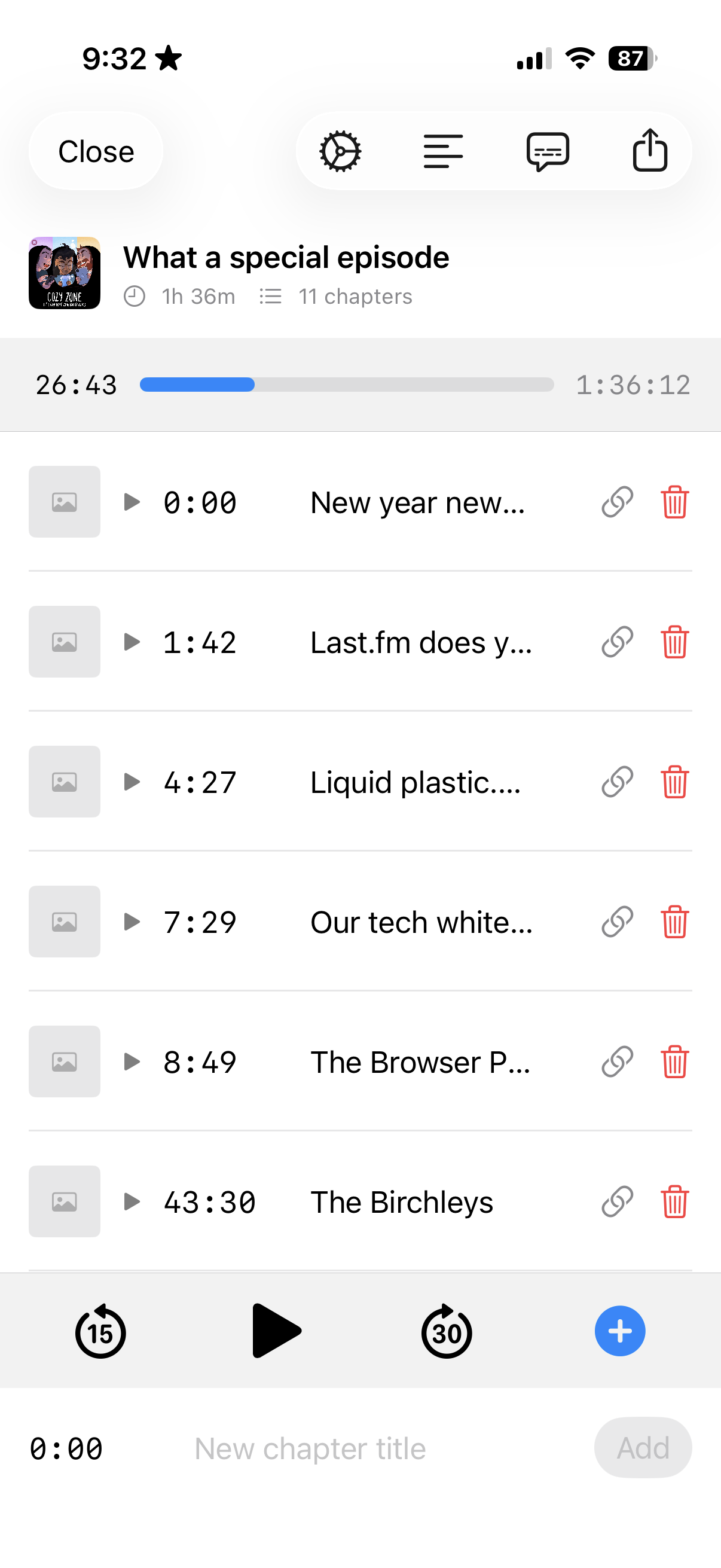
iPhone
Simple Transcripts
Generate transcripts locally.
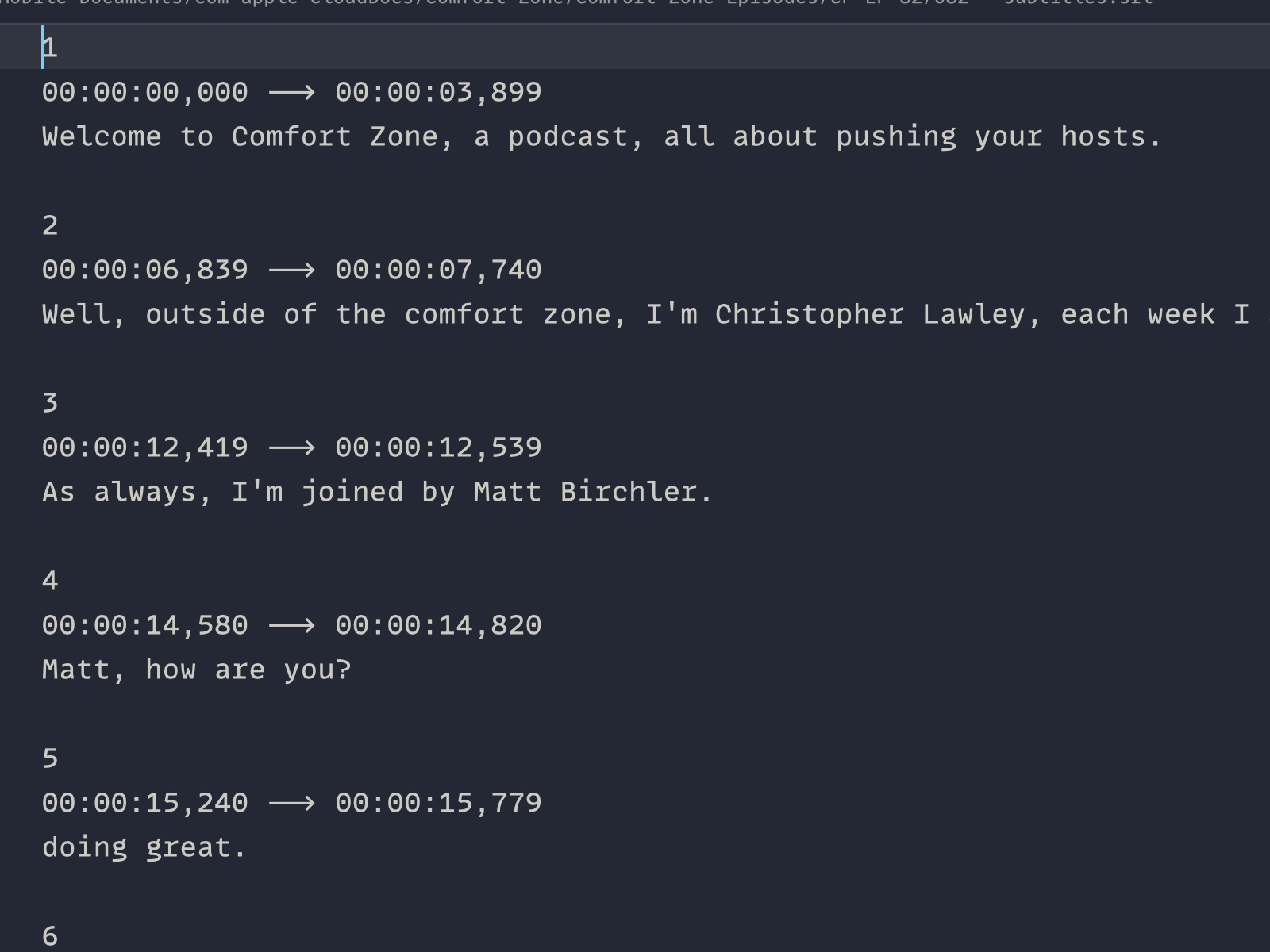
ChapterPod can generate a transcript of your podcast.
If you need more powerful transcription options, check out Quick Subtitles.
Chapters as Text
Import text. Export text.
Import from Text
Write your chapters somewhere else? Import them as text in a click.
Export as Text
Need to share your chapter list somewhere else (like YouTube)? Export it.

Wide Compatibility
Works with most podcast audio file types.
Drop in your podcast audio: MP3, M4A, or AIF. ChapterPod handles the conversion and always outputs an MP3 with your chapters embedded.
Pricing
Try it free. Unlock everything once.
No subscriptions. Pay once and own it forever.
Free Trial
$0
Try before you buy
- Full access to all features for a limited number of projects
Full Access
$19.99
One-time purchase
- Unlimited access to all features, forever
Ready to add chapters
to your podcast?
Available now for iPhone, iPad, and Mac.
Requires iOS 26, iPadOS 26, or macOS 26